
Bigdata.com MCP server and plugins
Bigdata.com is the financial data layer for AI agents, built by RavenPack. Its remote MCP server gives any MCP client cited search over licensed news, regulatory filings, earnings call transcripts, broker research and private documents, plus company, country, market, ETF, sentiment and portfolio tearsheets, screens and an events calendar.
This repository is the public home of that server: the install guide for every host, the official MCP Registry entry (server.json), and the official bigdata-com plugin with 28 financial research skills for Claude, VS Code, Copilot CLI and Cursor team marketplaces.
The server itself is a hosted service at https://mcp.bigdata.com/. There is nothing to run locally.
Quick start for any MCP client
Create an API key at platform.bigdata.com/api-keys, then add the server to any client that takes an mcpServers map:
{
  "mcpServers": {
    "bigdata.com": {
      "url": "https://mcp.bigdata.com/",
      "headers": {
        "x-api-key": "YOUR_API_KEY"
      }
    }
  }
}
Then ask your assistant something like:
Prepare an earnings preview for Broadcom with inline citations.
Authentication
GitHub Docs state that Copilot cloud agent and Copilot code review "do not currently support remote MCP servers that leverage OAuth", so use the API key there.
Install
VS Code and GitHub Copilot
One click: Install in VS Code or Install in VS Code Insiders. VS Code prompts for the API key once and stores it.
Or add this to .vscode/mcp.json in a workspace, or to your user mcp.json via MCP: Add Server:
{
  "inputs": [
    {
      "type": "promptString",
      "id": "bigdata-api-key",
      "description": "Bigdata.com API key (platform.bigdata.com/api-keys)",
      "password": true
    }
  ],
  "servers": {
    "bigdata.com": {
      "type": "http",
      "url": "https://mcp.bigdata.com/",
      "headers": {
        "x-api-key": "${input:bigdata-api-key}"
      }
    }
  }
}
To add the research skills as well, open the Command Palette, run Chat: Install Plugin From Source, paste https://github.com/Bigdata-com/bigdata-plugins-marketplace, then search @agentPlugins bigdata in the Extensions view. Full guide: Install Bigdata plugin.
GitHub Copilot CLI
copilot mcp add --transport http --header "x-api-key: YOUR_API_KEY" bigdata-com https://mcp.bigdata.com/
For the skills, register this repository as a plugin marketplace and install the plugin:
copilot plugin marketplace add Bigdata-com/bigdata-plugins-marketplace
copilot plugin install bigdata-com@bigdata-plugins-marketplace
Claude.ai and Claude Desktop
Bigdata.com is an official connector (web page). Team and Enterprise admins add it under Organization settings, Connectors, Browse Connectors; each user then clicks Connect and signs in to Bigdata.com. Guide: Claude MCP Integration.
The plugin with the research skills is in the Claude directory.
Claude Code
claude mcp add --transport http bigdata_com https://mcp.bigdata.com/ --header "x-api-key: YOUR_API_KEY"
Then run /plugins inside Claude Code and install the Bigdata plugin from the official marketplace. Guide: Claude Code MCP Integration.
ChatGPT
Bigdata.com is an official plugin in the OpenAI plugin directory (web page). Workspace admins enable it under Workspace settings, Apps; users add it from Settings, Apps, Add more. Guide: ChatGPT MCP Integration.
Codex CLI and ChatGPT desktop
Codex, the Codex IDE extension and the ChatGPT desktop app share ~/.codex/config.toml:
[mcp_servers.bigdata_com]
url = "https://mcp.bigdata.com/"
env_http_headers = { "x-api-key" = "BIGDATA_API_KEY" }
Export BIGDATA_API_KEY in your shell, or replace env_http_headers with http_headers = { "x-api-key" = "YOUR_API_KEY" }.
To sign in with OAuth instead, create a client under OAuth Clients and add the server with codex mcp add bigdata_com --url https://mcp.bigdata.com/ --oauth-client-id YOUR_CLIENT_ID, then run codex mcp login bigdata_com.
Cursor

Replace the placeholder in the x-api-key field with your key and click Install. Guide: MCP Integration with API Key. Cursor Teams and Enterprise admins can import this repository as a team marketplace (Dashboard, Plugins & MCPs, Add Marketplace, Import from Repo); the Cursor manifests are in .cursor-plugin/.
Microsoft Copilot Studio
Bigdata.com is an official tool in Copilot Studio. Open your agent, go to Tools, Add tool, search Bigdata.com, select Bigdata.com MCP and click Add and configure. The agent can then be shared in Teams and Microsoft 365 Copilot. Guide: Microsoft Copilot MCP Integration.
Snowflake Cortex Code
Add to ~/.snowflake/cortex/mcp.json:
{
  "mcpServers": {
    "mcp.bigdata.com": {
      "type": "http",
      "url": "https://mcp.bigdata.com/",
      "headers": {
        "x-api-key": "${YOUR_API_KEY}"
      }
    }
  }
}
Qwen Code
qwen mcp add --scope user --transport http bigdata-com https://mcp.bigdata.com/ --header "x-api-key: YOUR_API_KEY"
Guide: Qwen Code MCP Integration.
Grok (xAI SDK)
Pass the server as a remote MCP tool in the API call, with the key in the request headers. Guide: Grok MCP Integration.
Cline and clients that only speak stdio
Cline installs from this README; llms-install.md holds the same steps in the shortest form for agents. Clients without Streamable HTTP support can bridge through mcp-remote:
{
  "mcpServers": {
    "bigdata.com": {
      "command": "npx",
      "args": ["-y", "mcp-remote", "https://mcp.bigdata.com/", "--header", "x-api-key:${BIGDATA_API_KEY}"],
      "env": { "BIGDATA_API_KEY": "YOUR_API_KEY" }
    }
  }
}
Tools
Grouped by job. The authoritative list, with parameters and examples, is the MCP reference; clients also get it from the server's tools/list. Search results and sentiment narratives carry source citations.
- Search and lookup: cited similarity search across news, regulatory filings, earnings call transcripts, podcasts, expert interviews, broker research and uploaded documents; resolution of companies, securities (name, ticker, ISIN, CUSIP, SEDOL) and other entities.
- Tearsheets: company, country, market, ETF, sentiment and portfolio.
- Screens and calendars: company screening by market cap, price, sector, industry, country and exchange; corporate event and macroeconomic release calendars.
- Private content: connectors, tags, document listing, fetch and upload for your own corpus.
Plugins
Manifests: .claude-plugin/marketplace.json (Claude Code and Copilot CLI), .cursor-plugin/marketplace.json (Cursor), plugins/bigdata-com/.mcp.json (the connector).
Registry entry
server.json at the root is the record published to the official MCP Registry under com.bigdata/bigdata-mcp. The GitHub MCP Registry lists servers from that registry once GitHub has onboarded them.
The bigdata-com plugin is also packaged for Microsoft 365 Copilot Cowork. See packaging/bigdata-com/microsoft.
The bigdata-com plugin is also packaged for OpenAI. See packaging/bigdata-com/openai.
About Bigdata.com
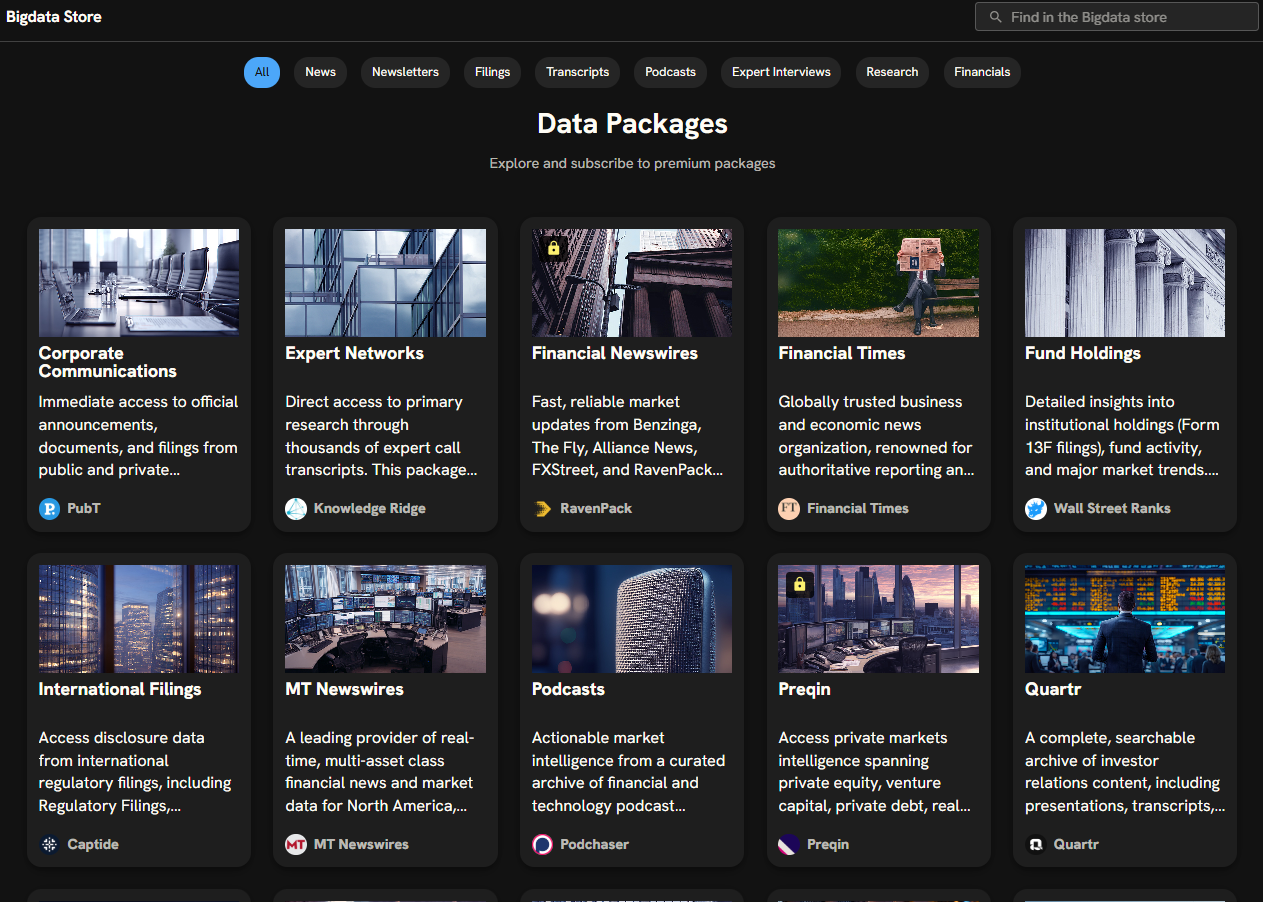
Bigdata.com is the definitive data layer for AI in finance. It unifies the world's most valuable financial content, news, filings, transcripts, financials, press releases, expert calls and more, making it ready for agentic workflows.
- Complete content ecosystem: premium sources spanning news, regulatory filings, earnings transcripts and alternative data.
- Search-first architecture: purpose-built retrieval for financial research across structured and unstructured datasets.
- Grounded by design: full auditability with citations and source traceability.
License
See LICENSE for details, or contact [email protected].